
How to delete a Tellune report
Remove one local report, propagate the deletion through Private Sync, or clear every protected store.
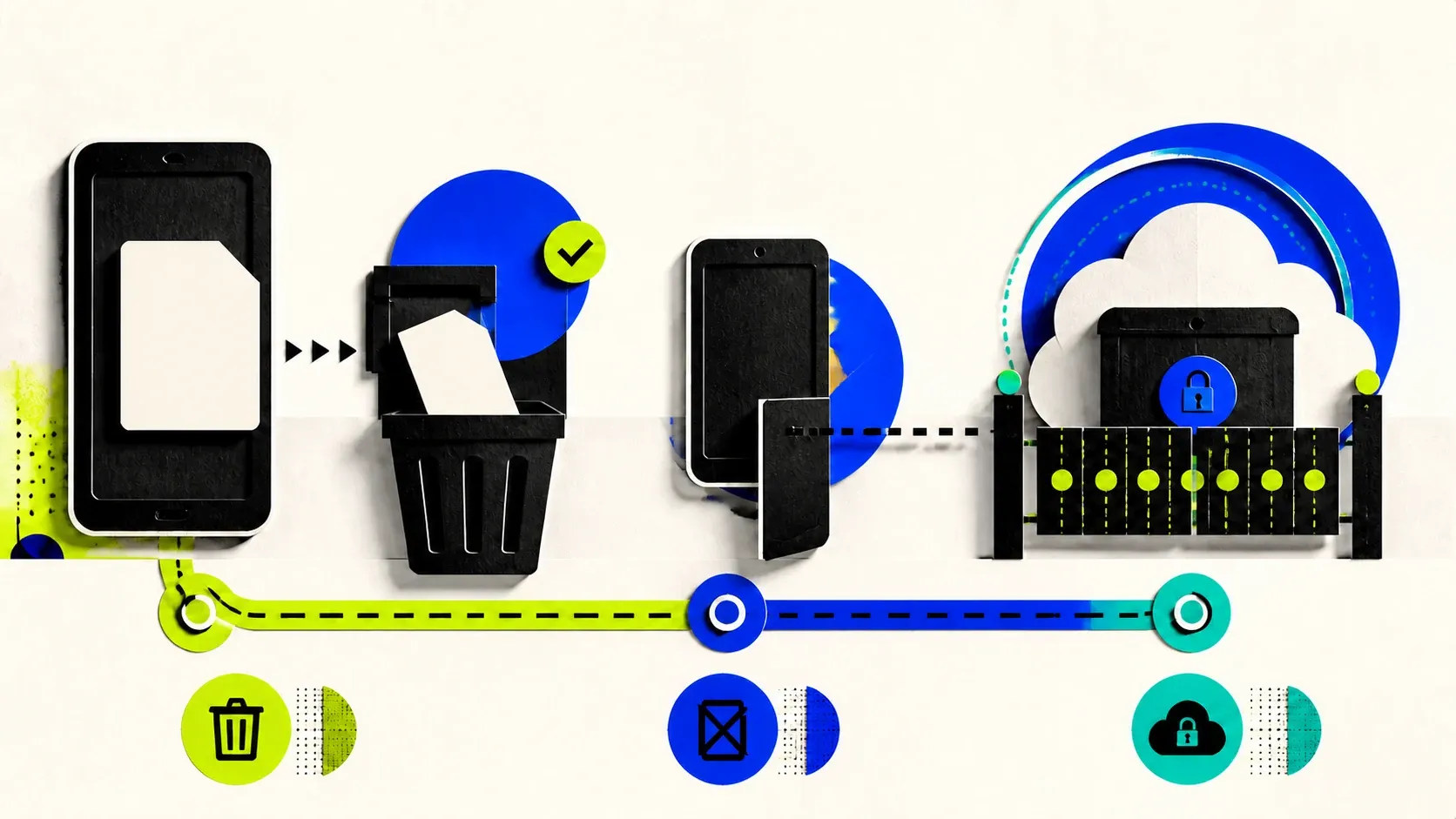
1. The trash control is on the Reports list
Open Reports, tap the trash control beside the report, and confirm Delete. The report and its indicators are removed from this device immediately.
The current steps are:
- Open the Reports tab.
- Find the report you want to remove.
- Tap the trash icon on that report’s row.
- Read the confirmation, then tap Delete.
The trash control is on the Reports list, not inside the report.
Single-report deletion also removes the encrypted pending full-scan payload when that payload belongs to the same report. It does not clear an unrelated current draft or delete every other report.
2. A synced deletion finishes after sync succeeds
If Private Sync is connected, deleting a local report creates a deletion marker. On the next successful sync, Tellune merges that marker into the encrypted sync document so another connected device does not bring the older report back.
Local removal does not prove the remote snapshot changed immediately. The app normally queues a sync shortly after the local state changes and tries again when the app becomes active, but a device that is offline or seeing a sync error has not completed the remote update.
The broader data-flow guide explains what the encrypted sync document contains. It is report history, not raw WhatsApp export files or screenshot images.
3. Disconnect and delete cloud sync do different jobs
- Disconnect this device removes the stored sync credentials from this device. Local reports stay. The encrypted cloud snapshot remains stored; disconnecting does not delete it.
- Delete cloud sync account sends an authenticated delete request for the remote account. After that succeeds, the app clears this device’s stored sync credentials. Local reports stay.
- Delete a local report removes one report here and relies on a later successful sync to propagate that report-level deletion.
If your goal is to remove the cloud copy, choose Delete cloud sync account before disconnecting. Disconnect is an access control, not a deletion control.
Losing the recovery code is not a deletion method. The code derives the key that reads the encrypted document; losing it can make the remaining cloud copy unreadable, but it does not send a delete request.
4. Delete everything clears more than report history
Use Settings > Delete everything when you want to remove all protected Tellune data from this device:
- Open Settings.
- Under Privacy, choose Delete everything.
- Read the scope in the confirmation.
- Confirm the destructive action.
When Private Sync is connected, the app first tries to delete the remote sync account. Only after that succeeds does it clear protected local reports, pending scans, the current draft, AI consent, and anonymous API session credentials. If the remote deletion fails, the app reports that it could not finish so you can retry; it does not silently claim the wipe completed.
Deleting Tellune data does not change the source conversation in WhatsApp or another messaging app. It also does not treat an imported transcript or screenshot as report history. A working draft or deferred scan can exist in encrypted local storage, which is why Delete everything covers more than removing reports one by one.
The privacy policy explains the local storage and sync boundaries behind these controls.
5. If deletion or sync keeps failing, contact support
If a deletion or sync-account request keeps failing, stop retrying destructive combinations and contact Tellune support. Include the app version, device model, operating-system version, and the screen where the error appeared.
Do not send support a chat export, message screenshot, or recovery code. Those files and credentials are not needed to describe a deletion error.